How Much Money Would It Take to Make a Comic? A Free-to-Start Guide


How much money would it take to make a comic? The honest answer is anywhere from $0 to several thousand dollars or more. A short comic you create yourself can cost nothing beyond your time, while a polished printed issue may involve writing, art, lettering, editing, printing, and distribution. Your budget depends on what you mean by “make a comic” and which parts you do yourself.
What determines the cost of making a comic?
Length and complexity matter first. A short, five-panel story needs less work than a 24-page issue. A quiet scene with two characters in one room is generally simpler to illustrate than an action sequence with detailed backgrounds, costumes, and many characters.
Who creates the art is usually the biggest cash expense. If you draw the comic yourself, you can use pencil and paper or free drawing software; your main investment is time. Hiring an artist means agreeing on a scope and rate. A project may pay separately for pencils, inks, colors, lettering, and a cover, or hire one artist for several tasks. Rates vary by experience, deadline, rights, and complexity, so get a written quote for your specific page count instead of relying on one universal “cost per page.”
Other possible expenses include editing or proofreading, fonts and software, stock assets, a website, and printing. Digital-only publishing avoids print and shipping costs. Physical copies add a per-copy cost that depends on page count, format, quantity, paper, and printer. Request quotes before promising a retail price.
Can you make a comic for free?
Yes—if you keep the project simple and do the work yourself, you can make a digital comic without spending money. Start with a short script, thumbnail the panels on paper, and use tools you already have. Free drawing apps and fonts can help, but check their licensing before commercial use. Export a web-friendly version and share it online; you do not need to print copies to finish a comic.
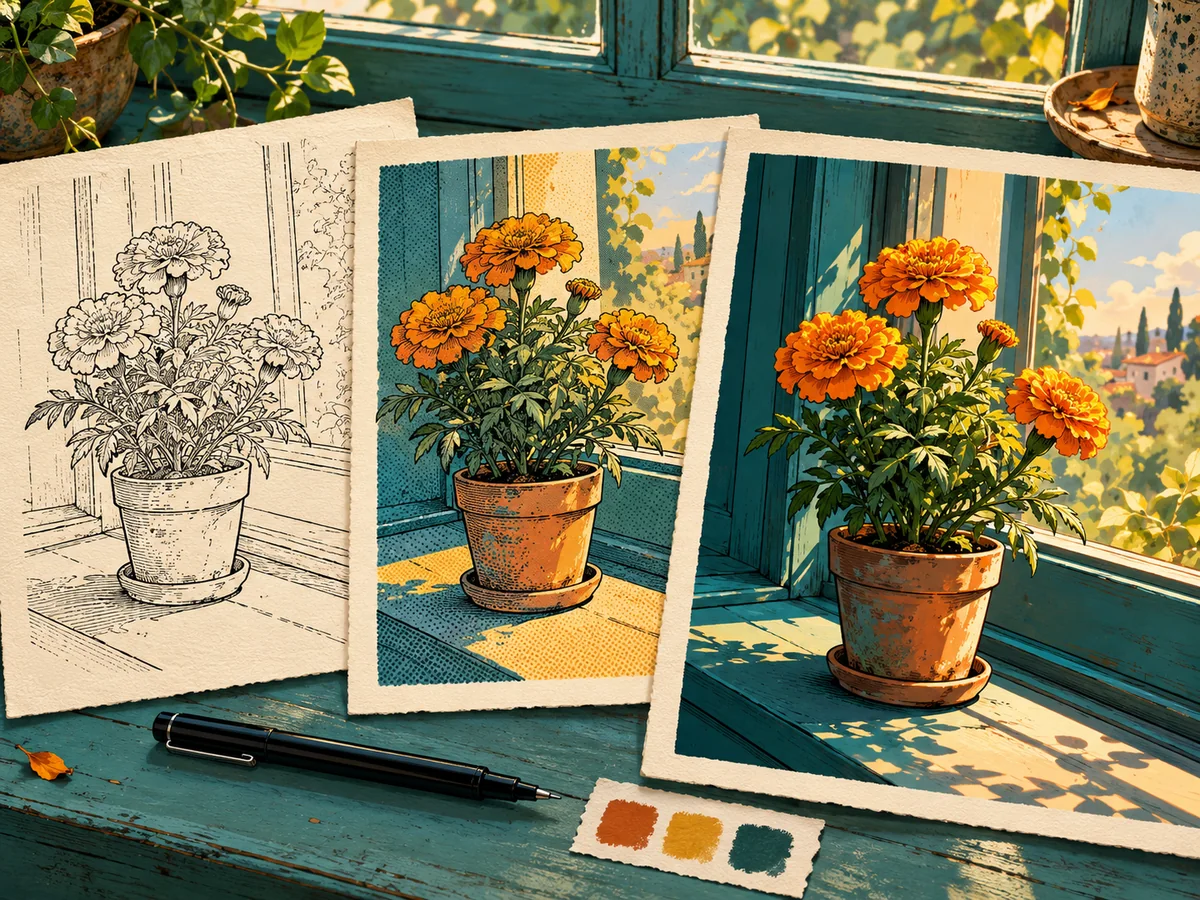
AI can also help you explore a visual direction without hiring an illustrator for every experiment. For example, if you already have a photo and want to see it in a comic-book look, try Aivio’s AI Comic Style Converter. It transforms an uploaded reference image rather than automatically writing and laying out a complete, multi-panel comic. Aivio lists free access alongside paid plans, but generations use credits, and availability or limits can change. Check the current pricing page before you start; “free to try” does not necessarily mean unlimited free generations.
A practical starter budget
For a first project, set a $0 digital-comic budget and make a complete short story yourself. If you have a little money to spend, prioritize the part you cannot comfortably do—perhaps a cover commission, lettering, or proofreading—rather than paying for every step at once. For print, get a quote only after you know the page count, trim size, color requirements, and order quantity.
A useful workflow is to write a one-page story, sketch a few panels, and test the look before expanding it. Keep character descriptions and visual references consistent. If you commission an artist, agree in advance on deadlines, revisions, payment milestones, ownership, and permitted uses of the finished art. If you use AI-generated or reference-based visuals, check the tool’s terms and make sure you have permission to upload the source images.
So, how much should you spend?
You can start at $0 if you make a short digital comic yourself and use free resources responsibly. A commissioned or printed comic costs more because you are paying for specialist time, production, and physical copies. Decide on the format and page count first, then price each part instead of guessing at one total.
Want to test a comic-inspired look before planning a full story? Try the free-to-start AI Comic Style Converter, upload a reference image, and explore an illustrated direction. Check Aivio’s current credit and pricing details before generating.