AI Comic Style Converter | Aivio
Upload a photo and transform it into comic-style art with AI. Keep the original subject and composition while refining bold ink lines, shading, and color in Aivio’s shared workspace.
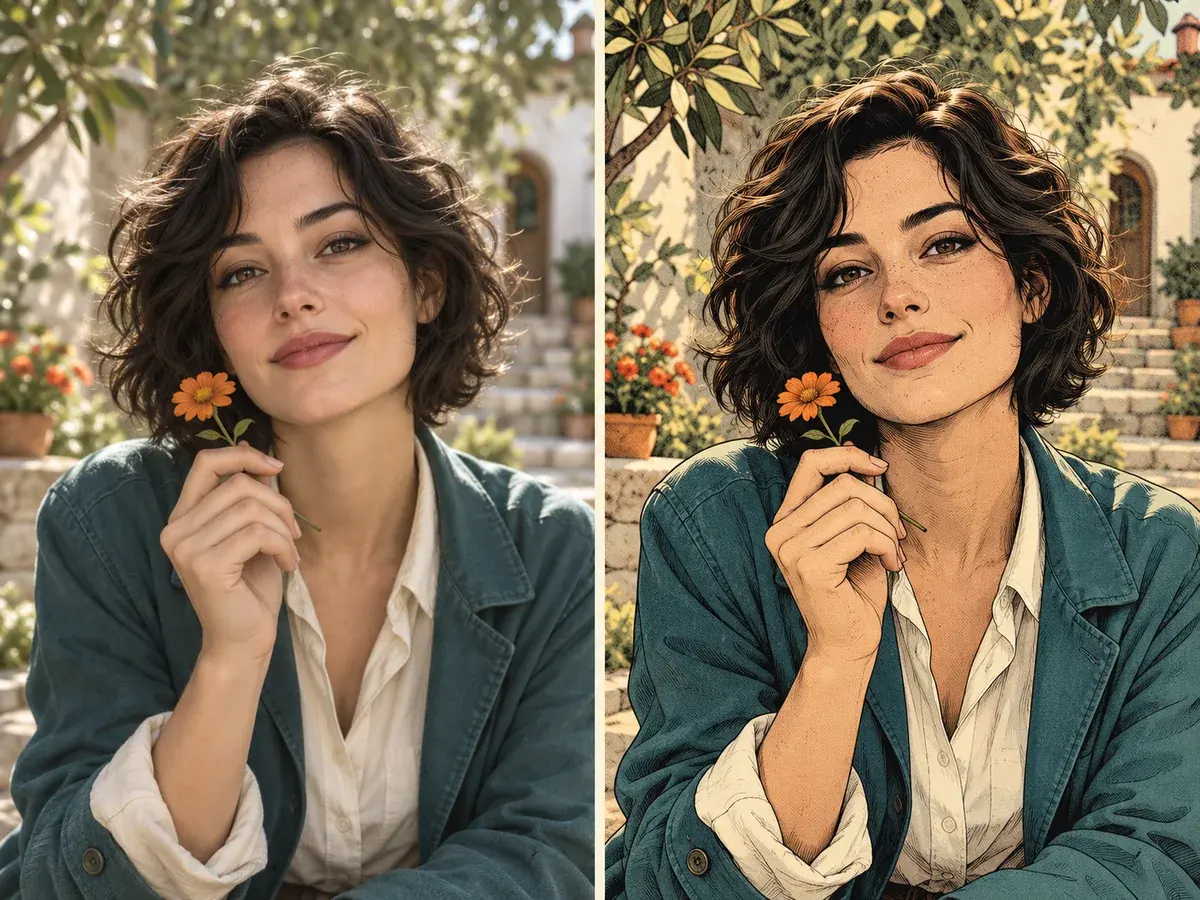
AI-created concept illustration · Actual results vary
Introduction
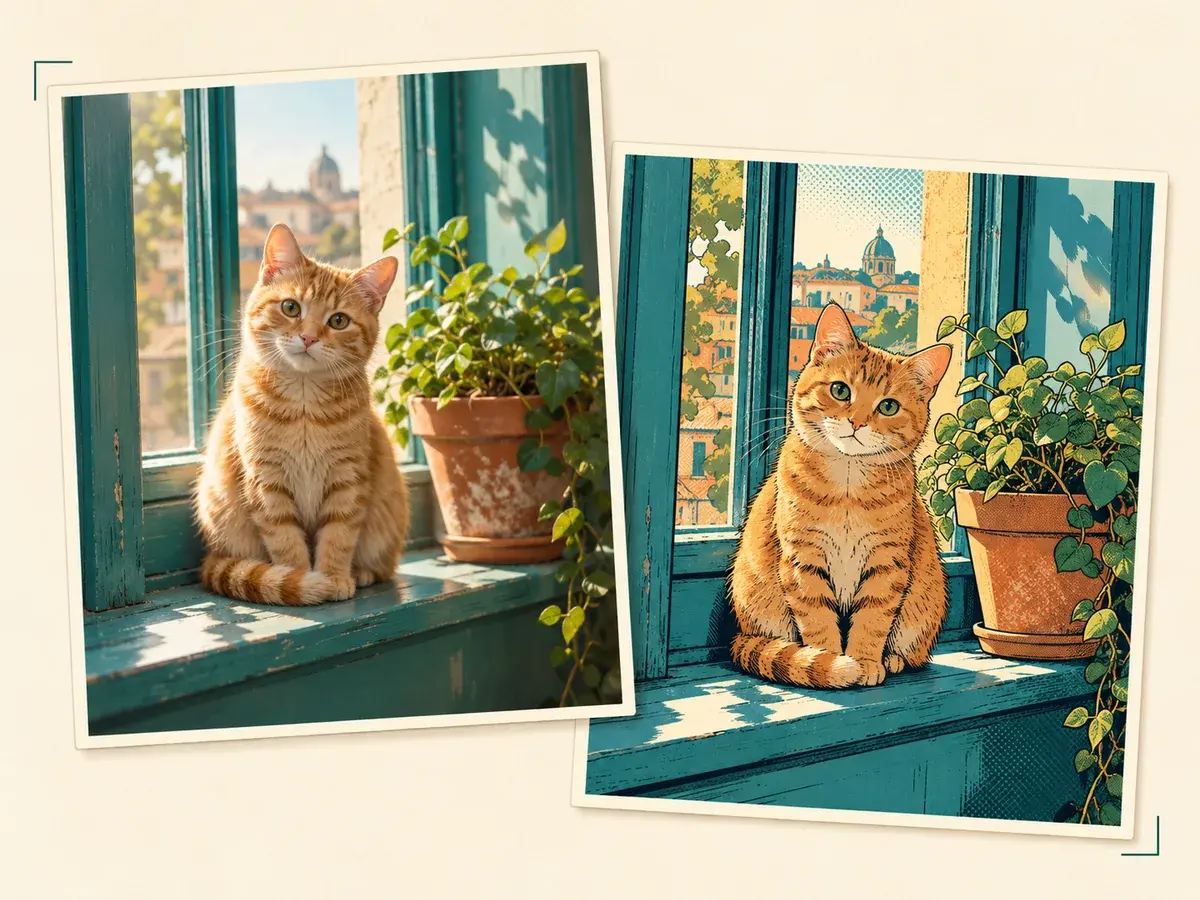
Concept study · Preserving the subject and framing
A photo-to-comic workflow
This tool uses image-to-image generation: your uploaded picture guides the transformation while the prompt steers the illustration style. Keep faces, pose, clothing, and background details that matter in your instructions.
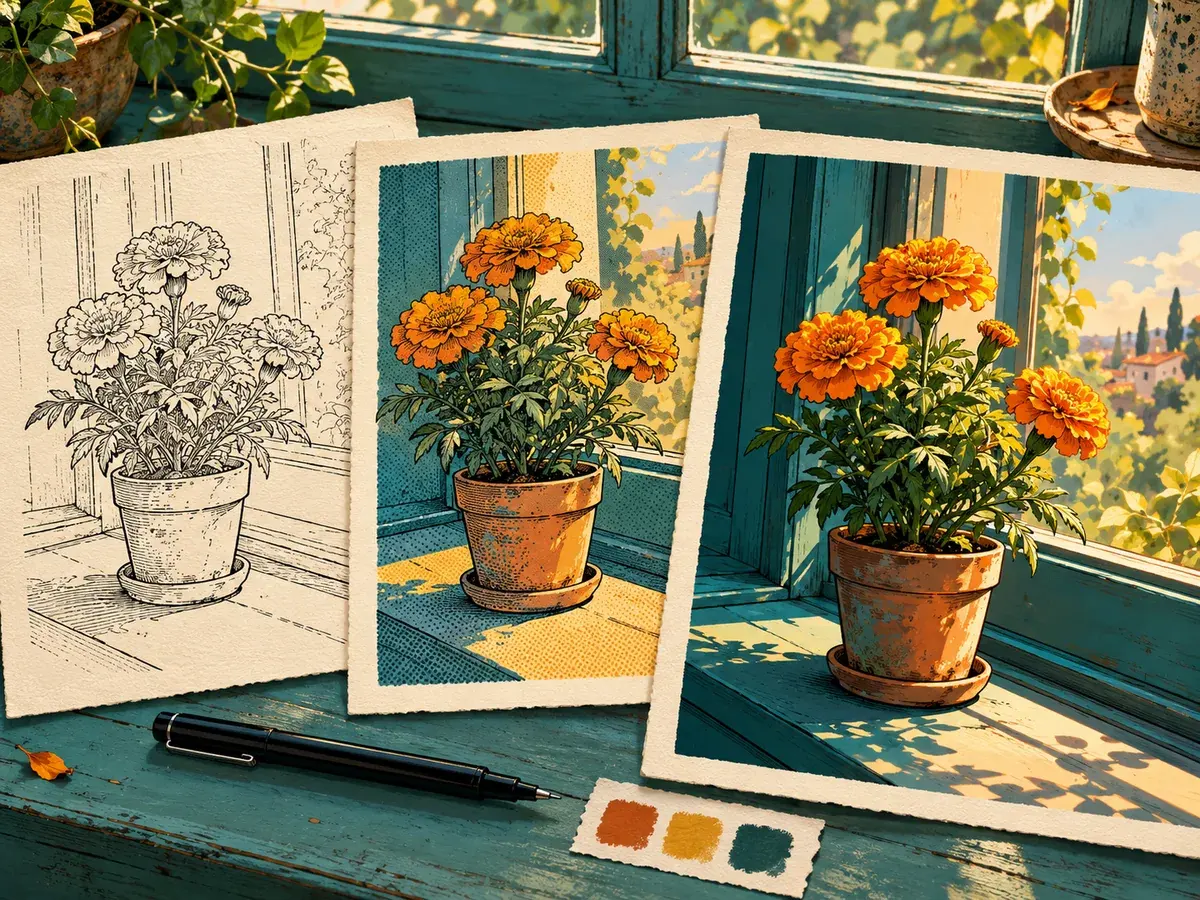
Concept study · Ink, halftone, and cel shading
Shape the illustration
Ask for a particular line weight, shading approach, palette, or comic-book mood. The default direction favors readable ink contours and clean cel shading without adding lettering or speech bubbles.
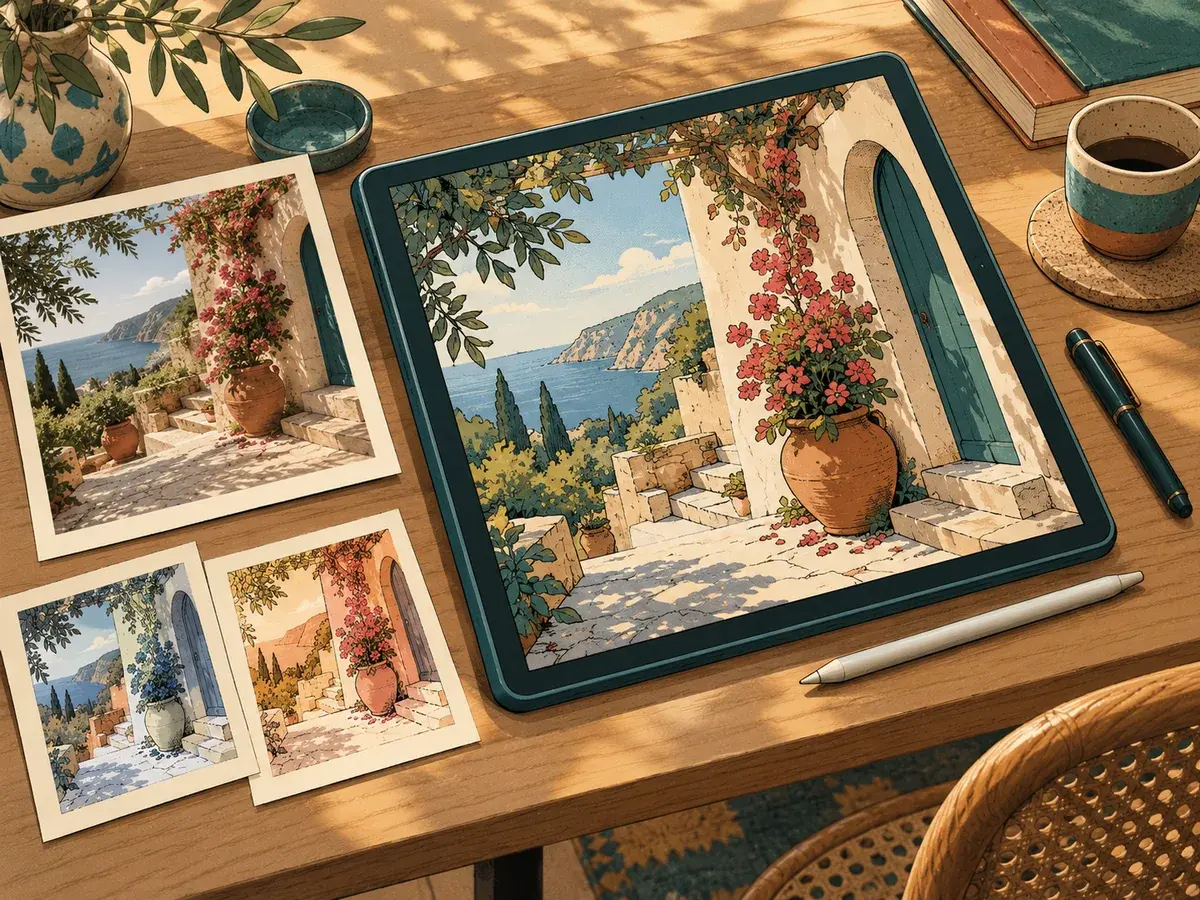
Workflow illustration · Not an app screenshot
Continue in one workspace
The shared Aivio workspace keeps the upload, prompt, model options, generation progress, and image preview together so you can review and refine each result.
How to convert a photo to comic style
Upload your image
Choose a clear JPG, PNG, or WEBP photo. The source image is required so the workspace can preserve its subject and composition.
Describe the comic look
Add details such as bold ink outlines, soft cel shading, a limited color palette, or a classic graphic-novel mood.
Generate and refine
Review the result in your workspace, then adjust your prompt and try another version when you want a different illustrated treatment.
AI Comic Style Converter FAQ
- Yes. This image-to-image tool requires a JPG, PNG, or WEBP reference image to transform.